
ClickUp is quickly gaining marketshare in Canada as a project management and productivity tool that simplifies work by centralizing scheduling, documentation and communications all in one place. For distributed teams, this cloud-based platform means everyone has access to the latest information available to their roles. Coupled with strong security and AI tools to automate tasks, ClickUp is quickly making its mark.
This course provides those new to ClickUp with an overview of how the tool works, how they can configure it for their first project, how they can use AI automations to speed up their daily workflow, and how to avoid common mistakes when using the tool. It is divided into three 2-hour instructor-led online sessions, ideally delivered over consecutive days.
Participants in this course will gain the practical skills to:
This course is ideal for those who are going to start working with ClickUp and who have had no formal introduction to the product.
There is no formal prerequisite for this course, though some familiarity with project management terms and concepts would be helpful.
Particants will receive a practical PDF reference guide. In addition, they will receive 14 days of post-class email support for questions arising from the training or early use of the ClickUp software.
Session 1: ClickUp Fundamentals
Session 2: Workflow, Automations and AI
Session 3: Governance and Team Operating Model
Course ID: 2150
Course Level: Beginner
Duration: 1 day
Sessions not found.
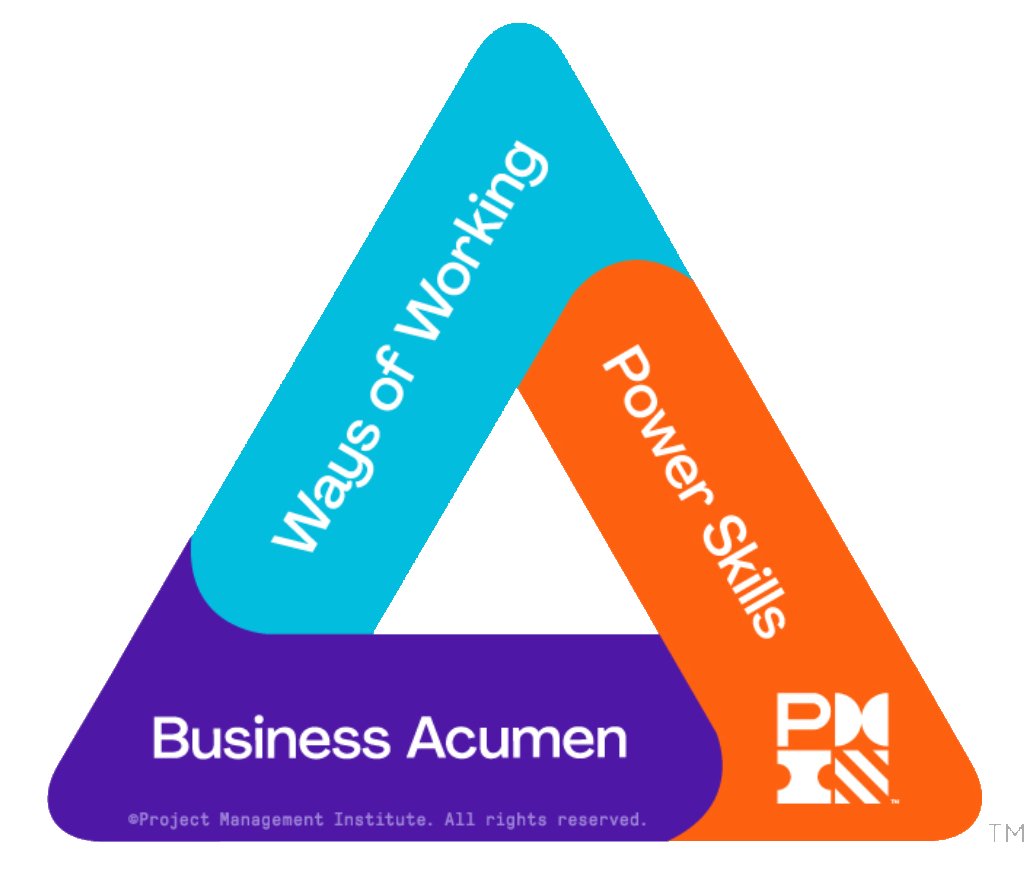 The following table provides the breakdown of the professional development units (PDUs) for the 1-day version of this course aligned with the PMI Talent TriangleTM.
| WoW | PS | BA | |
| PMP | 6 | 0 | 0 |
| PgMP | 6 | 0 | 0 |
| PfMP | 0 | 0 | 0 |
| PMI-ACP | 6 | 0 | 0 |
| PMI-SP | 4 | 0 | 0 |
| PMI-RMP | 0.5 | 0 | 0 |
| PMI-PBA | 6 | 0 | 0 |
The three columns in the above table are Ways of Working, Power Skills & Business Acumen.
Other professional (re)certification credits are available, including: